Should a VPN Always Be On? When to Keep It Running and When to Switch It Off
You do not have to leave a VPN running every minute of the day. The honest answer is that it depends on what you are doing: keep it on when you are on a network you don’t control, traveling, or signing in to money and work accounts away from home, and it is fine to switch it off on your own trusted network when you are just browsing local content. Below is how to make that call without overthinking it.
When it makes sense to keep it on
There are a few moments where leaving the VPN connected is clearly worth it. The first is any Wi-Fi you don’t own or trust — cafe, hotel, airport, or coworking networks where you cannot know who set them up. The second is while you travel, when you bounce between unfamiliar networks all day. The third is whenever you log in to banking, a brokerage, or company tools from outside your home, because that is the moment your credentials cross whatever connection happens to be available. In all of these, an encrypted tunnel is cheap protection for a real risk. If you are still weighing whether a VPN fits your life at all, our guide on whether you need a VPN walks through the same situations in more detail.
When it’s fine to leave it off
On a home network you control, browsing local news, watching a local streaming app, or playing a game, a VPN adds little and may get in the way. If you are not handling anything sensitive and you trust the network, leaving it off is a reasonable choice rather than a mistake. The goal is to match the tool to the moment, not to treat “off” as a security failure. A VPN is one layer for specific situations, not a switch that must stay flipped to stay safe.
What “always-on” settings actually do
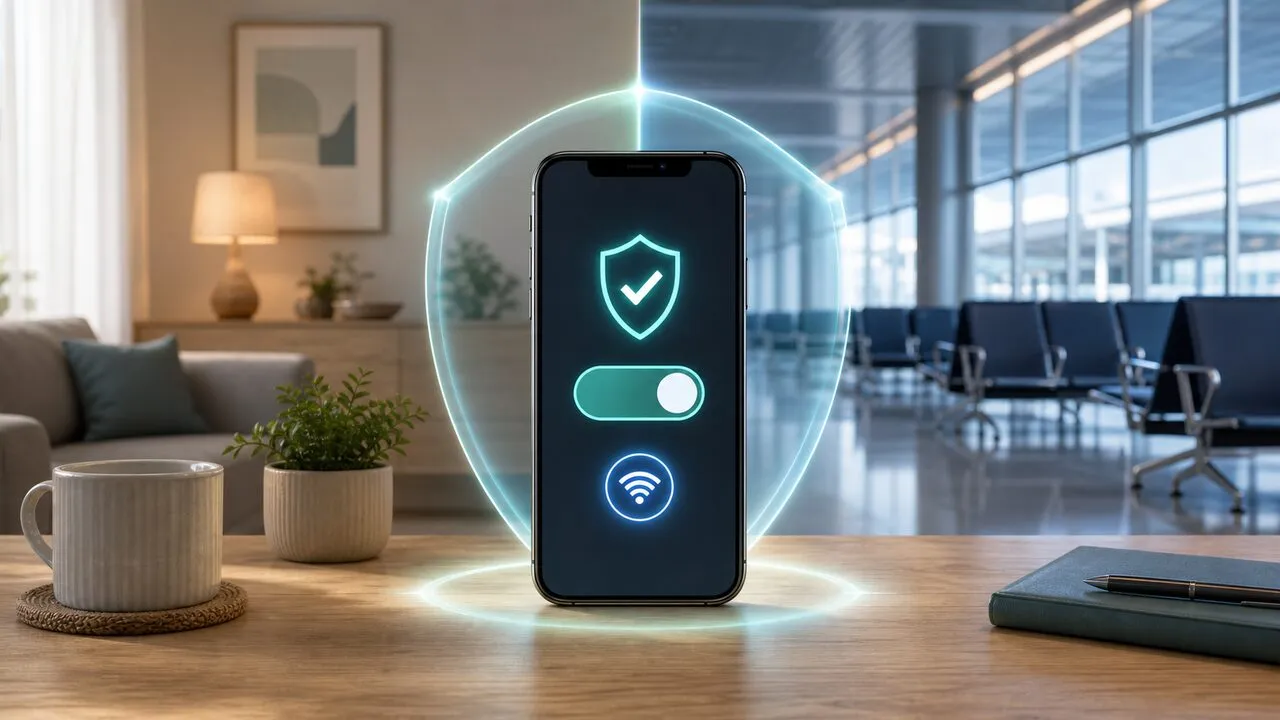
Most apps, including Lubi VPN, offer two features that make “always on” practical instead of a chore. Auto-connect turns the VPN on by itself when you join an untrusted or new network, so you don’t have to remember on the move. A kill switch blocks traffic if the VPN connection ever drops, so your real connection is not exposed in the gap before it reconnects. Together these let you behave as if the VPN is always on for the risky moments, while still controlling it the rest of the time. Turning these on once is usually a better habit than manually toggling the app a dozen times a day.
Battery, speed, and why people switch it off
The usual reasons people turn a VPN off are battery drain and a feeling that it slows things down. Both are real but smaller than many expect: a modern protocol like WireGuard is light, and any speed cost is mostly noticeable on large downloads, not everyday browsing. We cover what genuinely affects this in does a VPN slow down your internet. If you are on a trusted network and watching your battery, switching off is fine — just remember to bring it back when you step onto public Wi-Fi or head to the airport.
A simple rule for everyday use
If you want one habit to follow: turn on auto-connect, keep the kill switch enabled, and let the app decide for you on untrusted networks. Then consciously keep it on when you travel or log in to anything that matters, and don’t worry about it at home. That gives you protection exactly when it counts without the cost of running it around the clock. For travel specifically, our VPN travel checklist covers what to set up the day before you fly so the VPN is one less thing to think about.