VPN Travel Checklist: What to Set Up the Day Before You Fly
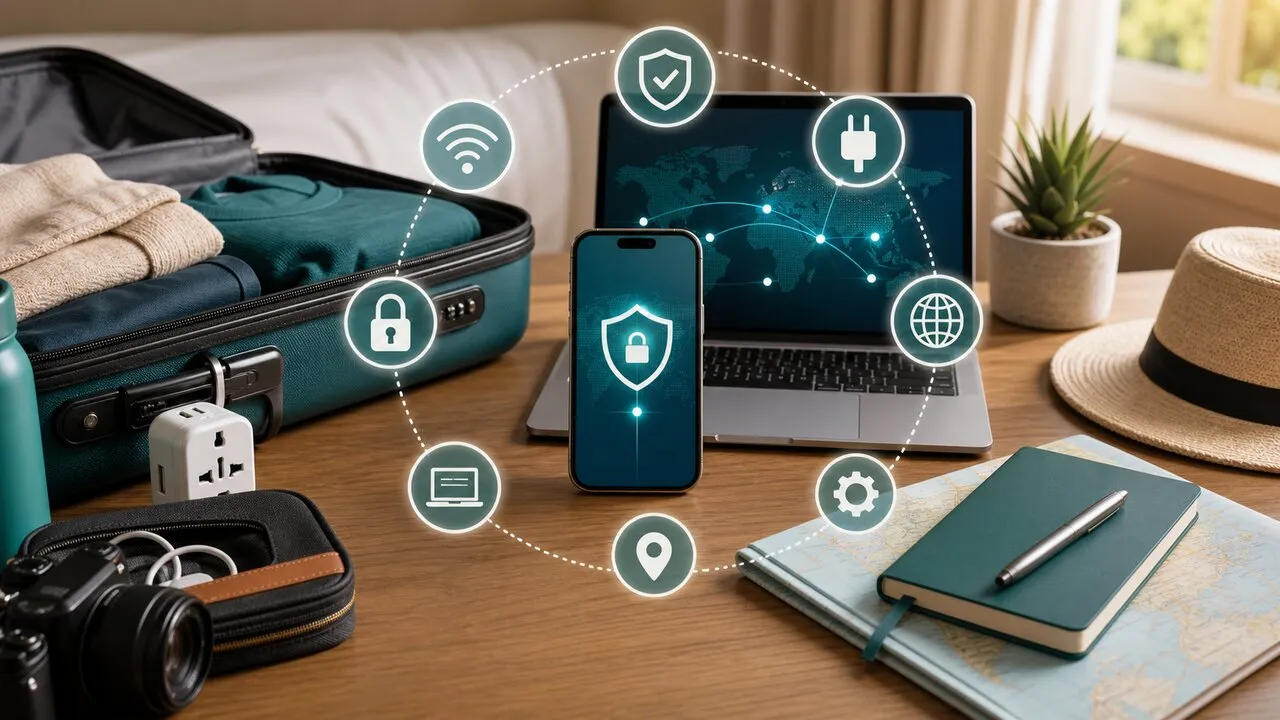
Ninety percent of travel network safety is decided the day before departure. After landing you’re tired, rushed, and trying to message family — nobody wants to debug “why won’t the VPN connect” in an arrivals hall. This checklist runs on a timeline: finish the prep the day before, and everything at the airport and beyond becomes reflex.
The day before you fly (10 minutes)
- Install the VPN app on every device you’re bringing, and log in. Phone, tablet, laptop — skip none. The device you suddenly need mid-trip is always the one you didn’t set up.
- Actually connect once; test two servers if you can. Confirm the account works and the connection holds. A second, backup server means that if the first is slow abroad, switching is instant.
- Update your phone and laptop — system and apps. Get security updates done before you leave; hotel Wi-Fi is a terrible place to download large updates.
- Check that your data plan covers the trip. If you’ll stream or take video calls on the road, check your plan’s allowance and upgrade beforehand — calmer than discovering you’ve run dry overseas.
- Store your account recovery methods. Two-factor backup codes, recovery email — if you get logged out abroad, these are the way back in.
On arrival day
- Before joining airport Wi-Fi, check the official network name on signage or with the information desk; don’t join similarly named strangers.
- After connecting and before logging in to anything, turn on the VPN. Make the order fixed: join Wi-Fi → VPN on → then email.
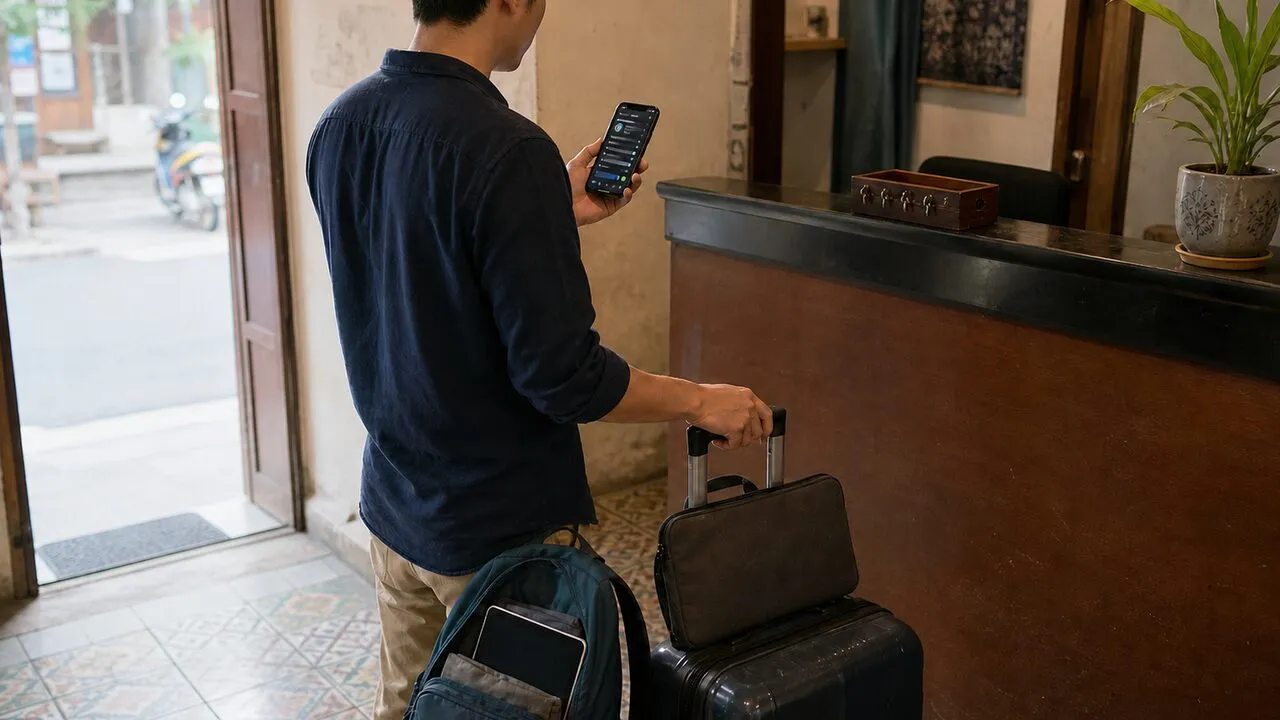
- Same routine after hotel check-in: confirm the Wi-Fi name with the front desk, connect, VPN on, then start booking restaurants and checking plans.
During the trip
- Cafés, stations, attractions — every free Wi-Fi gets the same treatment: VPN first, accounts second.
- If video stutters or pages crawl, switch servers or compare against mobile data first; most “the VPN is slow” turns out to be “this venue’s Wi-Fi is slow.”
- After checking out, make your phone forget the hotel network so it won’t auto-rejoin next time you pass by.
If you forgot to prepare before leaving
Landing without the VPN installed is recoverable — the order is what matters. Use mobile data or roaming to download the app, log in, and connect once before touching airport or hotel Wi-Fi. Don’t do it backwards and type your credentials over an untrusted network to finish signing up. Data-wise there’s nothing to fear: the install plus first connection takes a few dozen megabytes, well within any roaming allowance. And if mobile data truly isn’t an option, join the free Wi-Fi but do only three things — install, log in, switch the VPN on — and leave every other account until the encrypted tunnel is up.
Conclusion
Nothing on this list is difficult — the entire value is in the word before. Ten minutes of prep buys a whole trip of never hesitating at an unfamiliar network. Heading to Japan? Pair this with the Japan travel network guide. Want the detail on what actually goes wrong on airport and hotel networks? See this breakdown.