Do You Need a VPN in South Korea? A Practical Guide for Travelers
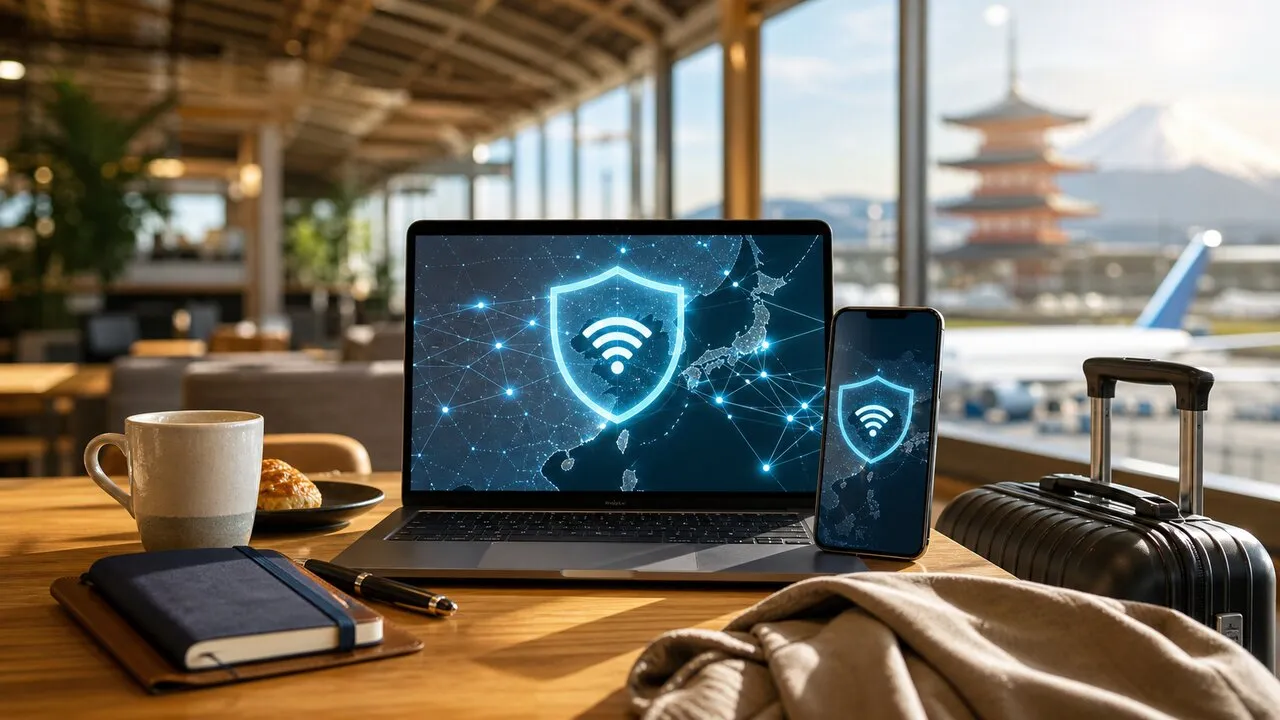
You do not need a VPN just because you are traveling in South Korea. Mobile coverage is extensive and most modern sites and apps already use HTTPS, but a VPN adds privacy between your device and the VPN server when you use a shared airport, hotel, or café network. Use it as one layer of a travel setup, not as proof that a hotspot or website is genuine.
The simplest rule is based on what you are doing. Maps and restaurant searches are low-stakes; opening company files, changing a flight, or signing in to a financial account deserves a verified connection, HTTPS, multi-factor authentication, and—on shared Wi-Fi—a VPN.
Decide whether you need one before the flight
If your roaming plan or Korean eSIM gives you enough data, you may rarely need public Wi-Fi. Mobile data removes the guesswork of choosing between several similarly named hotspots. A VPN can still be useful for work privacy or connecting to services you normally use, but it is not a substitute for mobile service: the eSIM gets you online, while the VPN changes the route your traffic takes.
Install and sign in before departure. Test one connection at home, update the app, and make sure your password manager and multi-factor method work without relying on an airport network. Travelers who need employer systems should also check their company policy; some organizations require a managed VPN and may not allow a personal one at the same time.
At Incheon or Gimpo, verify the hotspot first
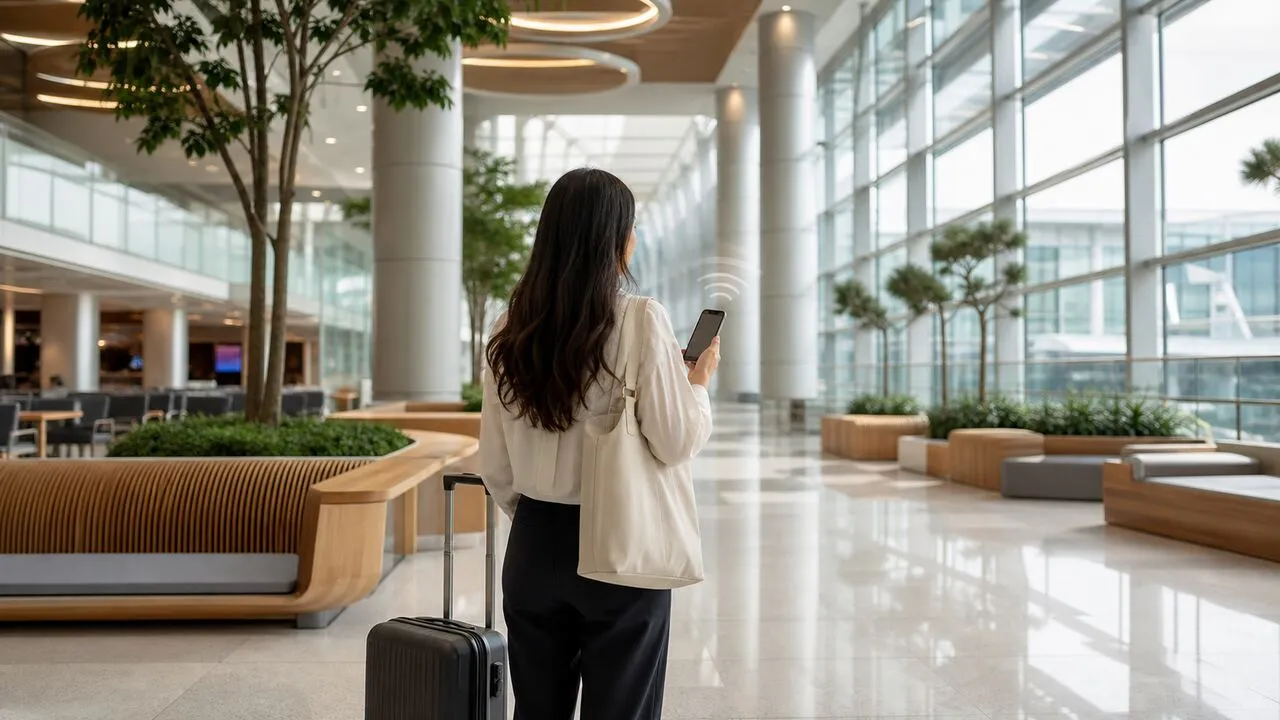
Airports are busy places with many legitimate and personal hotspots visible at once. Check the Wi-Fi name on terminal signage or ask an information desk instead of choosing the strongest signal. Remove look-alike networks from your saved list, and do not bypass certificate warnings or install an unexpected profile merely to get online.
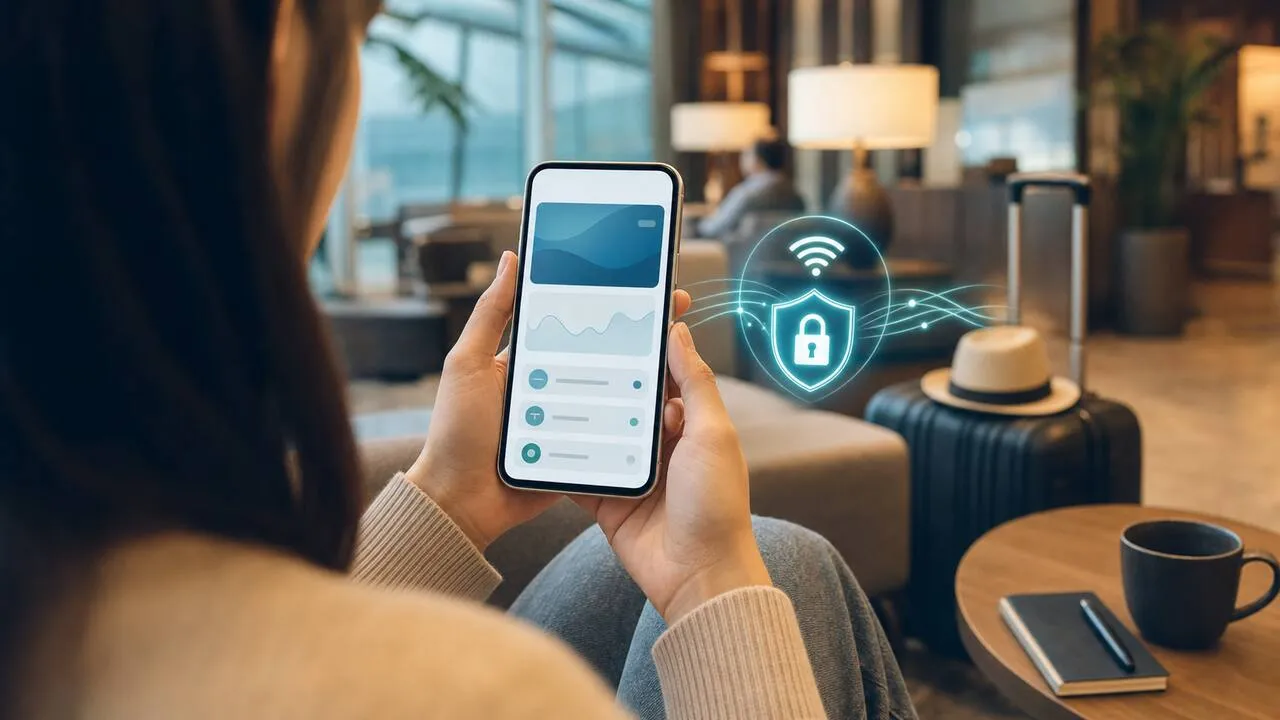
Turn on the VPN after the device has joined the verified network. That protects the connection from your device onward, but it cannot certify that the access point is operated by the airport. A convincing captive portal can still be a phishing page, so do not enter an email password unless the airport’s official instructions actually require it.
Seoul has open and secure public Wi-Fi options
Seoul’s official guidance lists SEOUL for general access and recommends SEOUL_Secure; the secure network uses seoul for both the ID and password. The city also introduced SEOUL_Secure_(3) with WPA3-Enterprise. Coverage includes places such as major streets, markets, parks, bus stops, tourist attractions, and public facilities. Check the current setup on the Seoul Metropolitan Government’s official Wi-Fi page because network instructions can change.
A secure municipal SSID is preferable to an unknown open hotspot, but it is still a shared service. Seoul itself advises minimizing sensitive personal-data entry and financial transactions on public Wi-Fi. If a banking or identity check can wait, use mobile data or finish it later on a connection you control.
A café work session needs more than encryption
Ask staff for the exact network name and password. Disable file sharing and automatic joining, keep your operating system and browser updated, and leave HTTPS warnings intact. A VPN can reduce what the local network operator or another device on the network can observe, but it cannot stop you from typing credentials into a fake page or approving a fraudulent login prompt.
Long sessions create another risk: you may step away while messages, booking details, or client documents remain visible. Lock the screen, avoid leaving a device unattended, and sign out of any borrowed computer. For a deeper checklist, see our guide to using online banking abroad.
If you use KakaoTalk or Naver during the trip, review the separate checklist for Korean account and QR-login security before signing in on a shared computer.
Transport cards and payment apps are a separate question
A VPN does not determine whether a foreign card works with a Korean payment or transport service. T-money products, mobile wallets, NFC support, top-up methods, and overseas-card compatibility have their own requirements. Check the exact product and device before departure rather than assuming every physical card can be recharged through every app.
If an app rejects a connection while the VPN is on, do not repeatedly change countries or submit the same payment. Disconnect temporarily, use mobile data, confirm that the app and domain are official, and try again. The goal is a stable, verifiable session—not keeping the VPN icon on at all costs.
Use this quick connection decision
- Known mobile data: use it directly; add a VPN if work policy or privacy needs call for one.
- Official secure Wi-Fi: connect according to the operator’s instructions, keep HTTPS and multi-factor authentication, and use a VPN for another privacy layer.
- Open Wi-Fi you can verify: limit what you do, turn off sharing, and use the VPN before opening personal accounts.
- A network you cannot verify: skip it. A strong signal and a VPN do not make an unknown hotspot trustworthy.
Before leaving home, compare the roles of VPNs, eSIMs, and roaming and save an offline copy of your booking and accommodation address. One Lubi VPN subscription can be used with the same account on multiple supported devices; actual speed still depends on the local connection, server, and time of day.
The short answer
For most South Korea trips, a VPN is optional rather than essential. It becomes useful when shared Wi-Fi is the practical connection and you want another layer of privacy. Verify the network first, prefer mobile data or an official secure SSID for sensitive tasks, keep HTTPS and multi-factor authentication, and remember that a VPN protects traffic—not your judgment about a hotspot, app, or login request.